Edit Portlets for Security Role Defaults
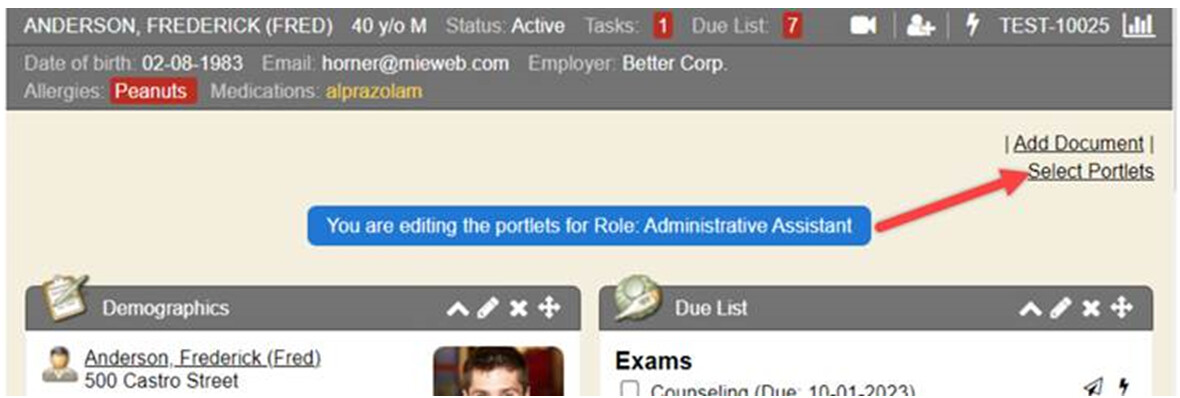
Enhancements were made to provide better visibility when system administrators are editing portlets for a system security role default. A video reviewing this process was created and the proper steps on how to set up default portlets for security roles and apply them to all users in that security role were added to the existing LMS course.
A blue warning/message appears indicating that the system administrator is in edit mode to modify a security role portlet default configuration for visibility/intuitive purposes. This new blue message bar was pushed back to the September 2020 upgrade version and newer.
How do I learn more videos:
- There is a 3 min video HERE quickly informing of the proper steps to set security role default portlets from Patient Summary dashboard and/or Quick View dashboard
- This information has been added as a new chapter to our existing LMS courses of 100.D Patient Summary Tab