The portal File Upload field will support multiple PNG and/or JPG files at once to be submitted. Meaning, a portal user can select more than 1 PNG or JPG file to upload into the File Upload field.
- If multiple files are uploaded at same time, it combines PNG and JPG/JPEG files into a stored TIFF document.
- If the portal users selects a PDF file to be mixed in with a or multiple JPG and/or PNG image files, the PDF file will be skipped over/ommitted, thus only the JPG/PNG files would be combined and stored as a TIFF document.
- If multiple PDF files are uploaded, they are submitted as separate files, unlike the new functionality for combining images.
- If there is one file uploaded (regardless of file type PNG, JPG or PDF), it will be stored as its specific file type document.
We suggest updating your flowsheets (that utilize File Upload for portal users) and add/change the verbiage to help portal users know what is supported in the File Upload field. We suggest verbiage such as: “We recommend uploading a single file whenever possible, and only PNG, JPG/JPEG, or PDF files are supported. If you upload multiple files at once, they must all be PNG or JPG/JPEG files; PDF uploads must be submitted separately and cannot be combined with image files. Please also do not upload password-protected files.”
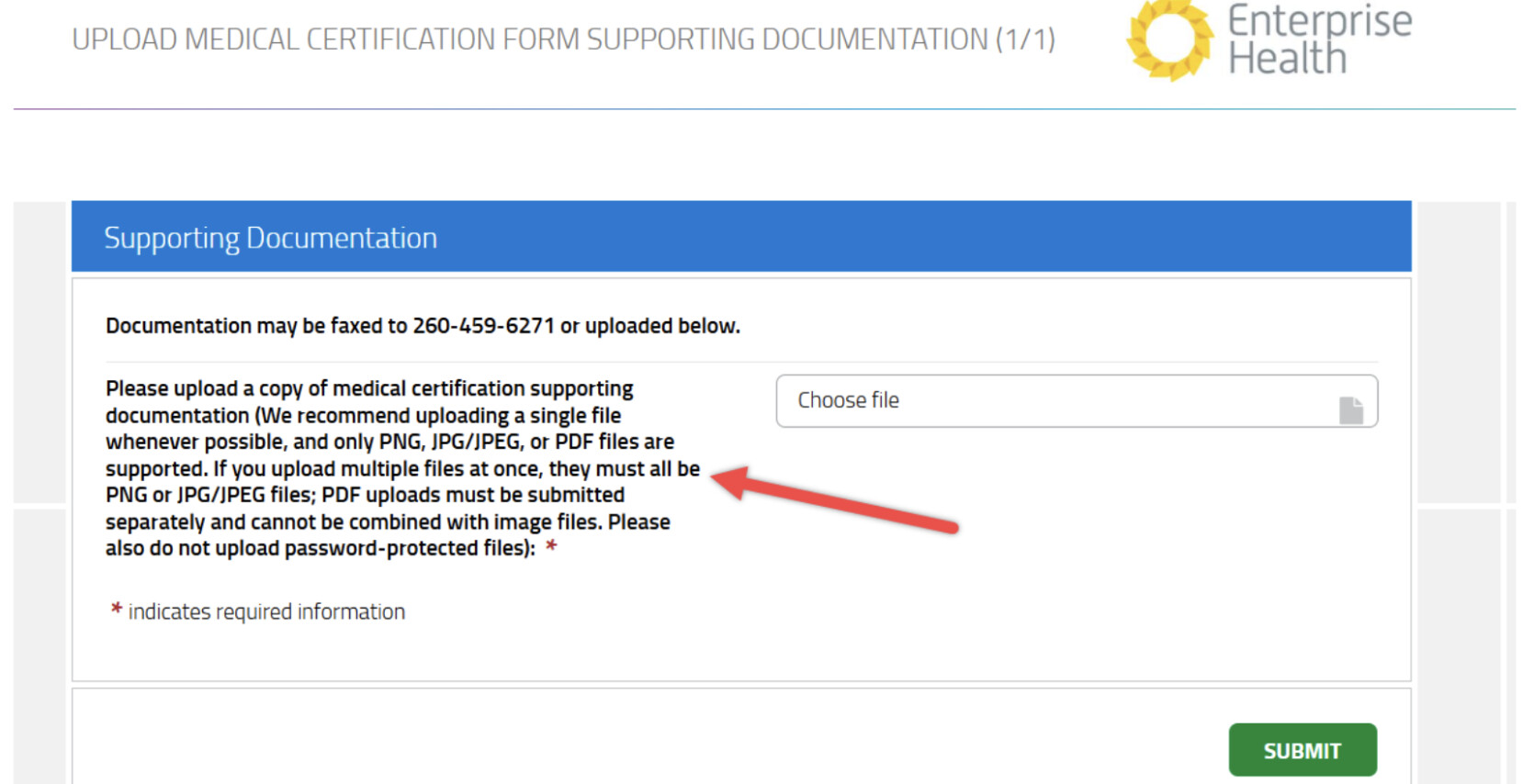
RC: 202409 and newer