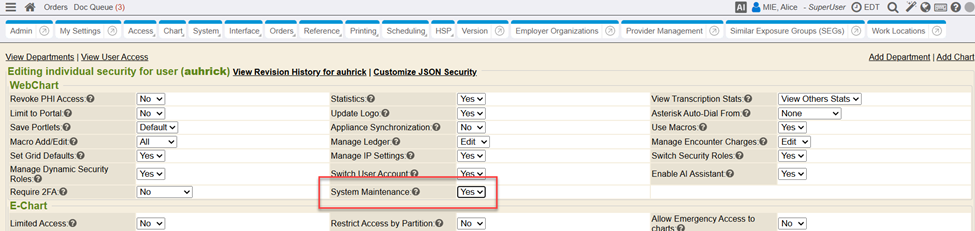
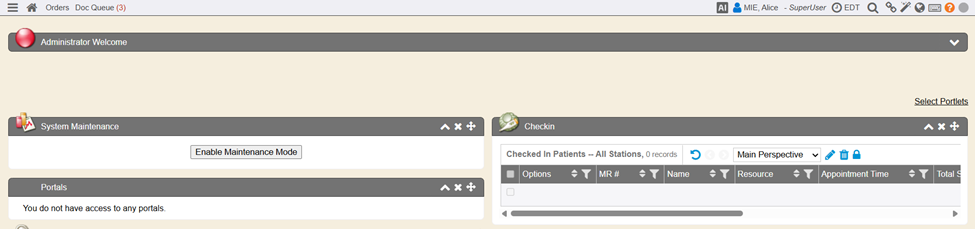
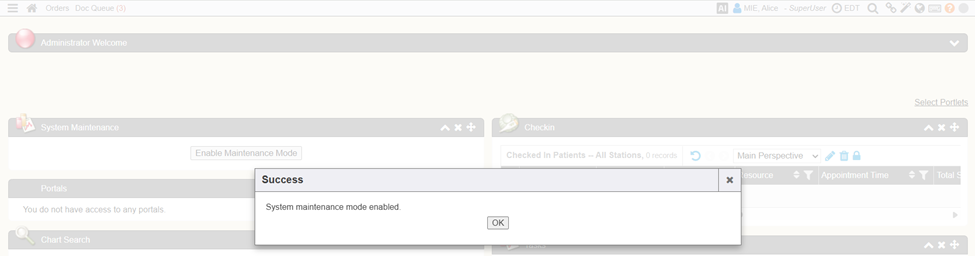
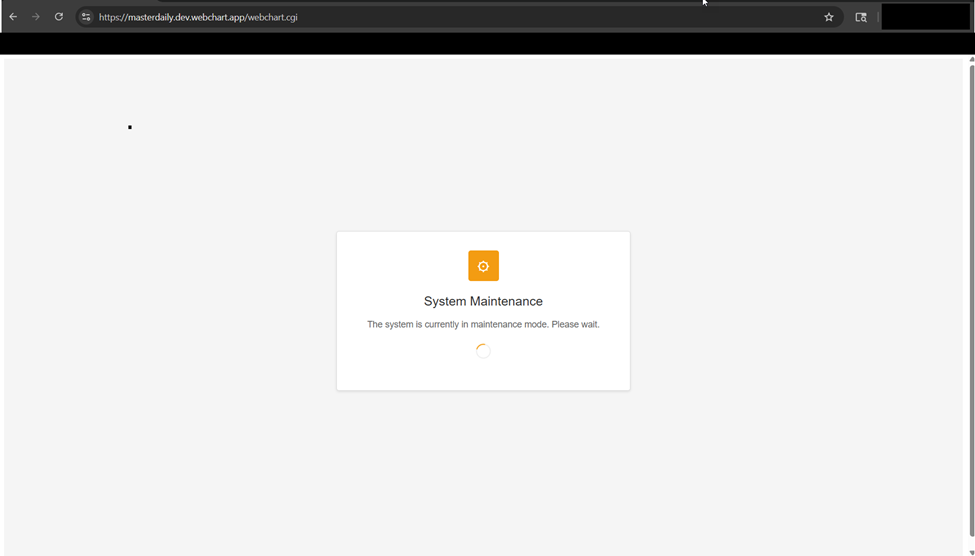
System Administrators now have the ability to enable/disable a system wide lock out system users and display a system wide message informing the user that the system is currently undergoing maintenance. The system must have the System/Maintenance/Lock system setting enabled (disabled by default). In conjunction with the system setting, the administrator must have the security setting to manage System Maintenance set to ‘Yes’ (default is set to No). Once both the system setting and security setting are configured, the administrator may enable/disable the system maintenance lock out message from the System Maintenance portlet (Quick View).

- RC: 202403 and newer
- Documentation: Security Role Settings